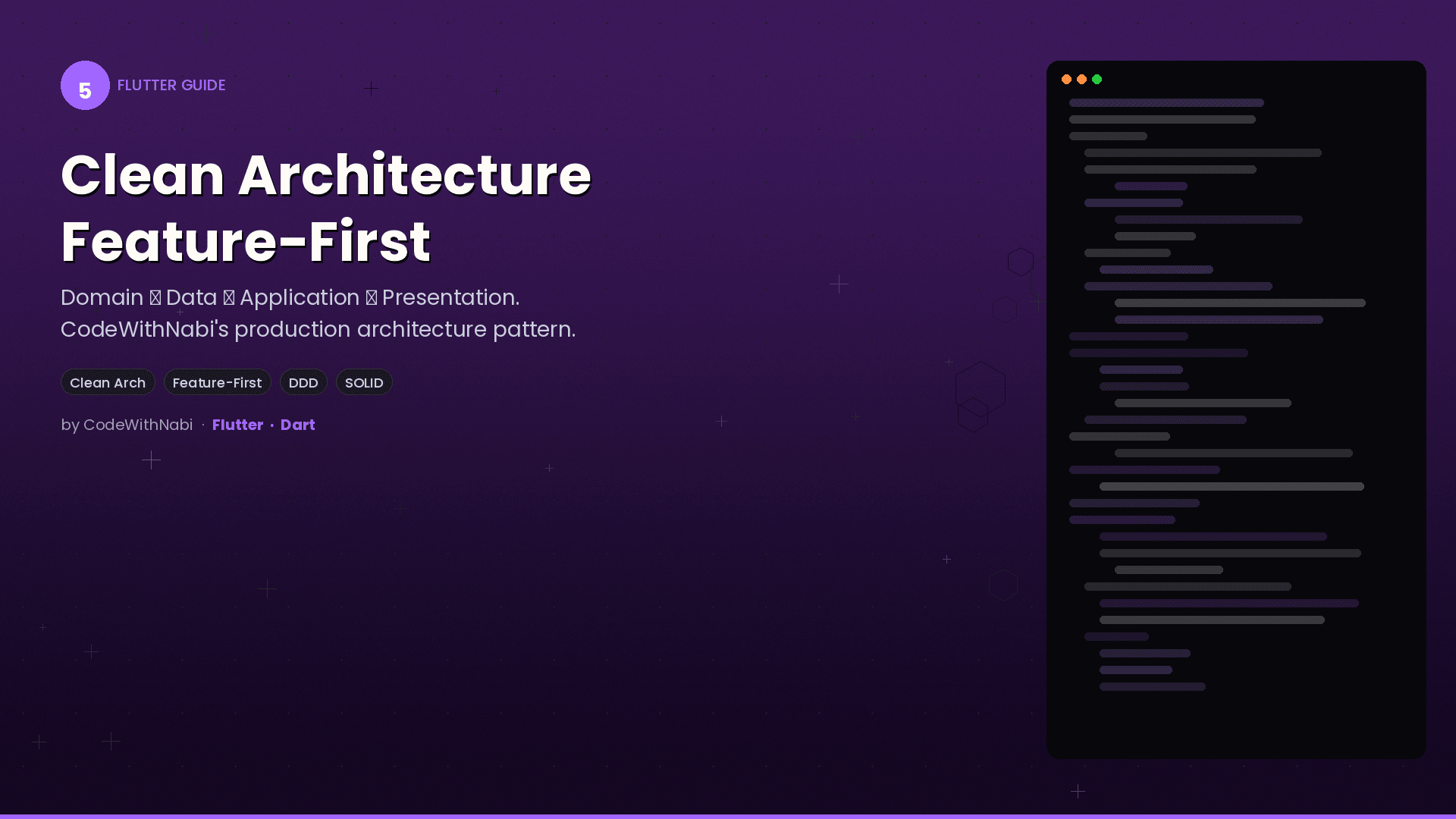

Feature-First Clean Architecture in Flutter: A Practical Guide
Ever opened a Flutter project and felt completely lost? Files scattered everywhere, business logic mixed with UI code, and nobody knows where anything should go. There's a better way, and it's called Feature-First Clean Architecture.
The Problem with "Default" Flutter Projects
Most Flutter tutorials organize code by type: all screens in one folder, all models in another, all services somewhere else. This works fine for a to-do app. But the moment your app grows beyond a few screens, you're scrolling through folders with dozens of files, trying to figure out which user_service.dart belongs to which feature.
Feature-First flips this approach. Instead of grouping by type, you group by feature. Everything related to "chat" lives inside feature/chat/. Everything for "payments" lives in feature/payments/. Each feature is self-contained and easy to find.
The Four Layers
Every feature has exactly four layers, and they always talk in one direction:
Domain -> Data -> Application -> Presentation
Think of it like a restaurant. The Domain is the menu (what's available). The Data layer is the kitchen (where things are prepared). The Application layer is the head chef (decides how things are made). The Presentation layer is the waiter (interacts with customers).
1. Domain Layer: The Contracts
This is the purest layer. It contains your entities (data models) and abstract repository interfaces. No Flutter imports, no database code, no API calls. Just plain Dart.
// Pure Dart - no Flutter, no Drift, no Supabase
abstract class ChatRepository {
  Stream<List<ChatMessage>> watchMessages(String chatId);
  Future<void> sendMessage(String chatId, ChatMessage message);
  Future<void> deleteMessage(String messageId);
}
Why abstract? Because the Domain layer defines what your app can do, not how it does it. This separation is what makes your code testable and flexible.
2. Data Layer: The Mechanics
This layer implements the abstract interfaces from Domain. It talks to APIs, databases, and external services. But it has one strict rule: no business logic.
class ChatRepositoryImpl implements ChatRepository {
  final ChatLocalDataSource _local;
  final ChatRemoteDataSource _remote;

  @override
  Stream<List<ChatMessage>> watchMessages(String chatId) {
    return _local.watchMessages(chatId);
  }

  @override
  Future<void> sendMessage(String chatId, ChatMessage message) async {
    await _local.saveMessage(message);  // Save locally first
    await _remote.sendMessage(message); // Then sync to server
  }
}
The Data layer is "dumb" on purpose. It saves, fetches, syncs, and caches. It never decides whether something is valid or whether a business rule is met.
3. Application Layer: The Brain
All your business logic lives here. Validation rules, calculations, business constraints - everything that makes your app your app.
class ChatService {
  final ChatRepository _repo; // Depends on the ABSTRACT interface

  Future<void> sendText(String chatId, String text) async {
    // Business rule: messages can't be empty
    if (text.trim().isEmpty) {
      throw ValidationException('Message cannot be empty');
    }

    final message = ChatMessage(
      id: Uuid().v4(),
      chatId: chatId,
      text: text,
      timestamp: DateTime.now(),
    );

    await _repo.sendMessage(chatId, message);
  }
}
Notice how the service depends on the abstract ChatRepository, not the concrete ChatRepositoryImpl. This means you can swap implementations without changing a single line of business logic.
4. Presentation Layer: The Face
This is your UI. Screens, widgets, and controllers. The key rule: no business logic here. Controllers just trigger services and display the results.
class ChatController extends AsyncNotifier<void> {
  @override
  Future<void> build() async {}

  Future<void> sendMessage(String text) async {
    state = const AsyncLoading();
    state = await AsyncValue.guard(() async {
      await ref.read(chatServiceProvider).sendText('chat-id', text);
    });
  }
}
The controller doesn't validate, doesn't format, doesn't compute. It triggers the service and lets Riverpod handle the loading/error/success states.
The Folder Structure
Here's what a feature looks like on disk:
lib/src/feature/chat/
  domain/
    chat_message.dart          # Entity
    chat_repository.dart       # Abstract interface
  data/
    chat_repository_impl.dart  # Concrete implementation
    chat_mapper.dart           # DTO <-> Domain conversion
    local/
      local_chat_data_source.dart
    remote/
      remote_chat_data_source.dart
  application/
    chat_service.dart          # Business logic
  presentation/
    controllers/
      send_message_controller.dart
    chat_screen/
      chat_screen.dart
Every new feature gets all four folders. Even if one layer is thin, create the folder. Consistency beats cleverness.
Rules That Save You From Yourself
Here are the rules that keep this architecture working:
- Domain never imports Flutter. If you see
import 'package:flutter'in Domain, something's wrong. - Data never validates. "Is this order valid?" belongs in Application. Data just saves and fetches.
- Application never touches APIs directly. It talks through abstract repository interfaces.
- Presentation never contains business logic. Controllers trigger services and display results.
- One public class per file. Aim for under 150 lines. Hard limit at 200.
- Extract CustomPainters into their own files in a
painters/subfolder.
Why This Matters
When every developer on your team knows exactly where code goes, magic happens:
- New features are faster because you follow a recipe, not your intuition
- Bugs are easier to find because you know which layer to look in
- Testing is straightforward because each layer can be tested in isolation
- Onboarding is faster because the structure is self-documenting
The Decision Checklist
Before writing code, always ask: "Which layer does this belong to?"
| Question | Layer |
|---|---|
| "What data does my app work with?" | Domain |
| "How do I fetch/save this data?" | Data |
| "Is this action valid? What are the rules?" | Application |
| "How does the user interact with this?" | Presentation |
Getting Started
You don't need to refactor your entire app overnight. Pick one feature, create the four folders, and move the code where it belongs. Once you see how clean it feels, you'll want to do the rest.
The initial setup takes a bit longer than throwing everything in one file. But the first time you need to change a business rule and it only requires editing one file in one layer - that's when you'll understand why this architecture exists.
Clean architecture isn't about perfection. It's about having a place for everything, so that when your app grows, your codebase grows with grace instead of chaos.