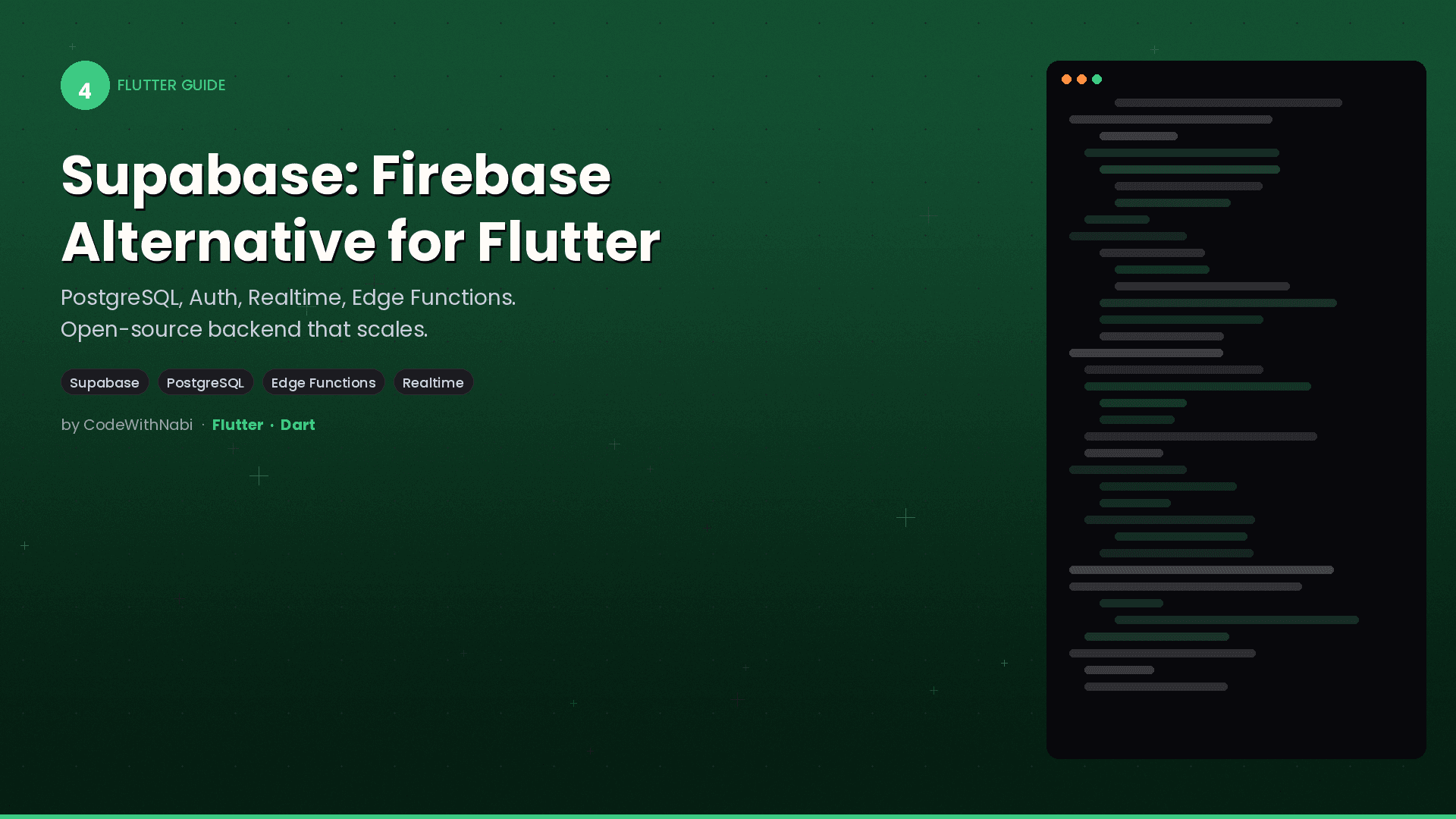

Supabase: The Open Source Firebase Alternative for Flutter
Supabase gives you a PostgreSQL database, authentication, real-time subscriptions, file storage, and Edge Functions — all open source, all with a Flutter SDK. If you've hit Firestore's limitations with relational data or vendor lock-in concerns, this is the alternative worth learning.
Setup
1. Create a Supabase Project
Go to supabase.com, create a project, and grab your URL and anon key from Settings > API.
2. Add the Flutter Package
# pubspec.yaml
dependencies:
  supabase_flutter: ^2.5.0
3. Initialize
import 'package:supabase_flutter/supabase_flutter.dart';

void main() async {
  WidgetsFlutterBinding.ensureInitialized();

  await Supabase.initialize(
    url: 'https://your-project.supabase.co',
    anonKey: 'your-anon-key',
  );

  runApp(const MyApp());
}

// Access the client anywhere
final supabase = Supabase.instance.client;
Database: Real SQL, Real Power
Unlike Firestore's NoSQL document model, Supabase uses PostgreSQL. You get tables, relationships, JOINs, constraints, and indexes.
Create Tables (SQL Editor or Dashboard)
-- Create a tasks table
create table tasks (
  id uuid default gen_random_uuid() primary key,
  user_id uuid references auth.users(id) not null,
  title text not null,
  is_completed boolean default false,
  priority int default 0,
  created_at timestamptz default now()
);

-- Add an index for faster queries
create index idx_tasks_user_id on tasks(user_id);
CRUD Operations from Flutter
class TaskRepository {
  // CREATE
  Future<void> createTask(String title, int priority) async {
    await supabase.from('tasks').insert({
      'title': title,
      'priority': priority,
      'user_id': supabase.auth.currentUser!.id,
    });
  }

  // READ — with filtering and ordering
  Future<List<Map<String, dynamic>>> getTasks() async {
    final response = await supabase
      .from('tasks')
      .select()
      .eq('user_id', supabase.auth.currentUser!.id)
      .order('created_at', ascending: false);

    return response;
  }

  // READ — with JOINs (something Firestore can't do)
  Future<List<Map<String, dynamic>>> getTasksWithCategories() async {
    final response = await supabase
      .from('tasks')
      .select('*, categories(name, color)')
      .eq('user_id', supabase.auth.currentUser!.id);

    return response;
  }

  // UPDATE
  Future<void> toggleComplete(String taskId, bool isCompleted) async {
    await supabase
      .from('tasks')
      .update({'is_completed': isCompleted})
      .eq('id', taskId);
  }

  // DELETE
  Future<void> deleteTask(String taskId) async {
    await supabase.from('tasks').delete().eq('id', taskId);
  }
}
Notice the .select('*, categories(name, color)') — that's a JOIN. Supabase automatically detects foreign key relationships and lets you query across tables in a single call. Try doing that with Firestore.
Authentication
Supabase Auth supports email/password, OAuth providers (Google, Apple, GitHub), magic links, and phone OTP:
class AuthService {
  // Sign up
  Future<AuthResponse> signUp(String email, String password) async {
    return await supabase.auth.signUp(
      email: email,
      password: password,
    );
  }

  // Sign in
  Future<AuthResponse> signIn(String email, String password) async {
    return await supabase.auth.signInWithPassword(
      email: email,
      password: password,
    );
  }

  // Google OAuth
  Future<bool> signInWithGoogle() async {
    return await supabase.auth.signInWithOAuth(
      OAuthProvider.google,
      redirectTo: 'io.supabase.myapp://login-callback/',
    );
  }

  // Listen to auth changes
  Stream<AuthState> get onAuthStateChange =>
    supabase.auth.onAuthStateChange;

  // Sign out
  Future<void> signOut() => supabase.auth.signOut();
}
Row-Level Security (RLS)
This is Supabase's killer feature. RLS policies run at the database level — even if your Flutter code has a bug, users can never access data they shouldn't:
-- Enable RLS on the tasks table
alter table tasks enable row level security;

-- Users can only see their own tasks
create policy "Users read own tasks"
  on tasks for select
  using (auth.uid() = user_id);

-- Users can only insert tasks for themselves
create policy "Users insert own tasks"
  on tasks for insert
  with check (auth.uid() = user_id);

-- Users can only update their own tasks
create policy "Users update own tasks"
  on tasks for update
  using (auth.uid() = user_id);

-- Users can only delete their own tasks
create policy "Users delete own tasks"
  on tasks for delete
  using (auth.uid() = user_id);
With RLS, your API key can be safely used client-side. Even if someone decompiles your app and extracts the key, they can only access their own data.
Real-Time Subscriptions
Listen to database changes in real-time:
// Watch for changes to the tasks table
final channel = supabase
  .channel('tasks-channel')
  .onPostgresChanges(
    event: PostgresChangeEvent.all,
    schema: 'public',
    table: 'tasks',
    filter: PostgresChangeFilter(
      type: PostgresChangeFilterType.eq,
      column: 'user_id',
      value: supabase.auth.currentUser!.id,
    ),
    callback: (payload) {
      switch (payload.eventType) {
        case PostgresChangeEvent.insert:
          print('New task: ${payload.newRecord}');
          break;
        case PostgresChangeEvent.update:
          print('Updated: ${payload.newRecord}');
          break;
        case PostgresChangeEvent.delete:
          print('Deleted: ${payload.oldRecord}');
          break;
      }
    },
  )
  .subscribe();

// Clean up when done
channel.unsubscribe();
Storage
Upload and serve files with automatic CDN delivery:
class StorageService {
  Future<String> uploadAvatar(String userId, Uint8List bytes) async {
    final path = 'avatars/$userId.jpg';

    await supabase.storage
      .from('user-files')
      .uploadBinary(path, bytes, fileOptions: const FileOptions(
        contentType: 'image/jpeg',
        upsert: true,
      ));

    return supabase.storage
      .from('user-files')
      .getPublicUrl(path);
  }
}
Edge Functions
Server-side TypeScript functions for logic that shouldn't run on the client:
// supabase/functions/process-payment/index.ts
import { serve } from 'https://deno.land/std/http/server.ts'
import { createClient } from 'https://esm.sh/@supabase/supabase-js'

serve(async (req) => {
  const { amount, currency } = await req.json()

  // Process payment with Stripe (server-side only)
  const paymentIntent = await stripe.paymentIntents.create({
    amount,
    currency,
  })

  return new Response(
    JSON.stringify({ clientSecret: paymentIntent.client_secret }),
    { headers: { 'Content-Type': 'application/json' } },
  )
})
Call from Flutter:
final response = await supabase.functions.invoke('process-payment',
  body: {'amount': 2999, 'currency': 'usd'},
);
Firebase vs Supabase: Honest Comparison
| Feature | Firebase | Supabase |
|---|---|---|
| Database | NoSQL (Firestore) | PostgreSQL (relational) |
| JOINs | Not supported | Full SQL JOINs |
| Pricing model | Per read/write | Per compute/storage |
| Open source | No | Yes |
| Self-hosting | No | Yes |
| Offline support | Built-in | Needs manual implementation |
| Real-time | Built-in | Built-in |
| Auth providers | Many | Many |
| Row-Level Security | Firestore Rules | PostgreSQL RLS |
| Edge Functions | Cloud Functions (Node.js) | Edge Functions (Deno) |
| Vendor lock-in | High | Low |
Choose Firebase when: You need offline-first with zero effort, you want tight Google ecosystem integration, or you're building a simple app with flat data structures.
Choose Supabase when: You need relational data, SQL power, open source transparency, self-hosting options, or predictable pricing at scale.
Getting Started
- Create a project at supabase.com
- Create your tables in the SQL editor
- Enable RLS and write policies
- Add
supabase_flutterto your app - Start with auth, then CRUD, then real-time
The SQL editor has AI assistance built in — describe what you want in plain English, and it generates the SQL. The dashboard lets you browse data, test queries, and manage auth without leaving the browser.